Free shipping

Powkiddy: The best tips for retro ga...

Discover the best tips for retro gaming fans in 2026 with Powkiddy! Experience nostalgic games alongside the latest trends and valuable insights.
An Introduction to Powkiddy and Retro Gaming
Retro gaming has enjoyed a real renaissance in recent years, and Powkiddy is at the forefront of this movement. Powkiddy, known for its portable consoles, offers fans of classic video games the chance to relive their favourite childhood games. These consoles are not only renowned for their versatility and user-friendliness, but also for their ability to support a wide range of emulators and ROMs, meaning the choice of games is virtually unlimited.
The appeal of retro gaming lies not only in nostalgia, but also in the simplicity and charm of the Games from days gone by. Unlike modern games, which are often overly complex, retro games offer a pure and unadulterated gaming experience. Powkiddy has set itself the task of making this experience accessible and affordable by developing consoles that are both portable and powerful.
In this article, we’ll look at the best Tips and tricks for retro gaming fans in 2026, particularly those who use Powkiddy consoles. From the most popular models to set-up and optimisation, right through to the best Games and accessories – We cover everything you need to know to get the most out of your retro gaming experience.
The most popular Powkiddy models of 2026
In 2026, Powkiddy launched an impressive range of consoles designed to suit both beginners and experienced retro gamers. One of the most popular models is the Powkiddy X18S, a powerful handheld console with a high-resolution screen and a robust design. Thanks to its powerful processor and ample storage, you can enjoy a wide variety of Emulators and Games enjoy it without any delays or crashes.
Another outstanding model is the Powkiddy RGB10 Max, which stands out for its superb display and user-friendly interface. This The console is particularly popular with gamers popular with those who value high-quality graphics and intuitive controls. With its ergonomic design and precise controls, the RGB10 Max offers a first-class gaming experience on the go.
For those who prefer a stationary console, the Powkiddy A20 is an excellent choice. This console can be easily connected to your TV and offers impressive performance and compatibility with a wide range of retro games. With the A20, you can enjoy your favourite classics on the big screen and create the ultimate retro gaming experience in your living room.
Setting up and optimising your Powkiddy console
Setting up your Powkiddy console is a simple process that takes just a few minutes. First, you need to switch on the console and configure the basic settings, such as language and time zone. Once this is done, you can choose your favourite Emulators and games Install. Powkiddy consoles support a wide range of emulators, including NES, SNES, Sega Genesis and many more.
To get the most out of your console, you should make sure you install the latest firmware updates. These updates not only improve the console’s performance and stability, but often add new features and enhancements as well. It is advisable to check for new updates regularly and install them to ensure the best possible gaming experience.
Another important step in optimising your console is customising the controls and settings. Many emulators allow you to customise the button layout and other settings to suit your preferences. Experiment with different configurations to find the one that works best for you. Don’t forget to save your settings so that they are applied automatically every time you start the game.
The best retro games for Powkiddy
The range of retro games for Powkiddy consoles is almost endless, but there are a few classics you really shouldn’t miss. For fans of platform games, titles such as «Super Mario World» and «Sonic the Hedgehog» are must-haves. These games not only offer challenging gameplay, but also charming graphics and unforgettable soundtracks.
If you prefer role-playing games, you should definitely give *The Legend of Zelda: A Link to the Past* and *Final Fantasy VI* a go. These games offer epic stories, complex characters and in-depth gameplay mechanics that will keep you hooked for hours on end. They are perfect examples of why retro RPGs remain so popular even today.
For those interested in fighting games, titles such as «Street Fighter II» and «Mortal Kombat» are a must-have. These games have defined the genre and offer intense and thrilling gameplay that still captivates players today. Powkiddy consoles provide the perfect platform to rediscover these classics and put your skills to the test against friends or the AI.
Tips for expanding your games collection
One of the biggest advantages of Powkiddy consoles is the ability to constantly expand your game library. A good place to start is by downloading ROMs and emulators from trusted sources. Make sure you only download legal ROMs to avoid copyright infringement. There are many websites offering free and legal ROMs that you can easily transfer to your console.
Another tip for expanding your games library is to make use of homebrew games. These fan-made games often offer unique and innovative gaming experiences that you won’t find in commercial games. Homebrew games can be a great addition to your collection and give you the chance to discover new and exciting titles.
Don’t forget to check regularly for new games and updates. Many retro gaming communities and websites regularly offer new ROMs and emulators that you can download and try out. By keeping up to date and regularly checking for new content, you can continually expand your games library and keep discovering new and exciting games.
Accessories and gadgets for a better gaming experience
To enhance your retro gaming experience with Powkiddy consoles, there is a wide range of accessories and gadgets you should consider. A high-quality pair of headphones, for example, can significantly enhance your immersion in the game world by allowing you to hear the music and sound effects in the best possible quality.
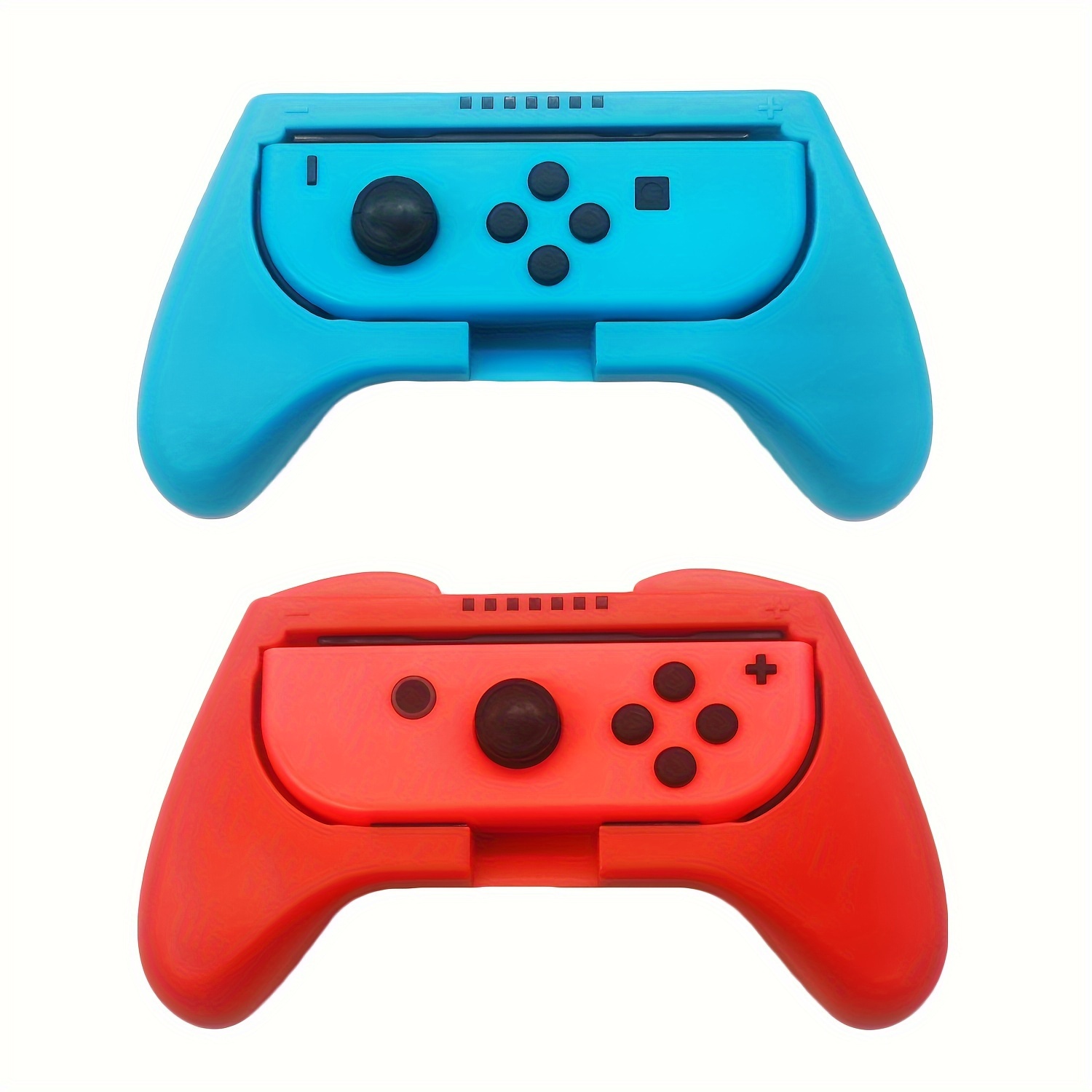
Another useful accessory is an extra controller. Many Powkiddy consoles support wireless controllers, which make the gaming experience more comfortable and versatile. A second controller is particularly handy if you want to play multiplayer games with friends or family. Make sure you choose a controller that fits comfortably in your hand and offers precise control.
Another gadget that can enhance your gaming experience is a carry bag or protective case for your console. These bags not only offer protection against knocks and scratches, but also make it easier to transport your console and accessories. Some bags even offer extra storage space for games and cables, so you always have everything you need to hand.
Powkiddy emulators: choosing and installing
Choosing the right emulator is crucial for an optimal retro gaming experience on your Powkiddy console. There is a wide range of emulators to choose from, each optimised for different consoles and gaming systems. Among the most popular emulators are RetroArch, MAME and PPSSPP, which support a wide range of games and systems.
Installing an emulator on your Powkiddy console is usually a straightforward process. First, you need to download the emulator from a trusted source and transfer the installation file to your console. Once the emulator is installed, you can launch it and add the ROMs of your choice. Make sure you configure the correct BIOS files and settings to ensure optimal performance.
Another important consideration when selecting and installing With emulators, it’s all about compatibility with your console. Make sure the emulator is compatible with your Powkiddy model and that you are using the latest version. It may also be helpful to look for recommendations and tips on online forums and in online communities to find the best emulators for your needs.
Community and online resources for Powkiddy users
The Powkiddy community is a valuable resource for all retro gaming fans. On online forums and social media, you can chat with other users, share tips and tricks, and find help with any problems. Websites such as Reddit, Discord and specialist retro gaming forums provide platforms where you can ask questions, join in discussions and keep up to date with the latest news and updates on Powkiddy products.
Another benefit of joining the Powkiddy community is access to exclusive content and resources. Many community members create and share custom ROMs, emulator settings and homebrew games, which you can download and try out. This content can significantly enhance your gaming experience and offer you new and exciting ways to use your console.
Don’t forget to check regularly for new posts and discussions in the community. By taking an active part and sharing your own experiences and insights, you can not only help other users but also gain valuable information and support yourself. The Powkiddy community is a lively and dynamic place that is constantly growing and evolving, and there’s always something new to discover.
Common problems and solutions for Powkiddy consoles
As with any technology, problems can occasionally arise with Powkiddy consoles. A common issue is the compatibility of ROMs and emulators. If a game does not run properly or crashes, this is often due to an incompatible ROM or incorrect emulator settings. In such cases, it is helpful to check the settings and ensure that you are using the correct version of the ROM and the emulator.
Another common problem is battery life. If your console is losing battery power faster than expected, this may be due to background processes or incorrectly configured power settings. Make sure that no unnecessary applications are running in the background and that your power settings are optimised to maximise battery life.
Should you encounter more serious problems, such as e.g.. In the event of hardware faults or software crashes, it may be helpful to reset the console to its factory settings or reinstall the firmware. In many cases, such steps can help to resolve the issue and restore the console to working order. If none of these steps help, it may be necessary to contact Powkiddy’s customer service or send the console in for repair.
Conclusion: Why Powkiddy is the best choice for retro gaming
Powkiddy consoles offer an unrivalled retro gaming experience that delights both newcomers and experienced gamers alike. With a wide range of models catering to different needs and preferences, Powkiddy has something for everyone. The combination of powerful hardware, versatile emulators and an active community makes Powkiddy the ideal choice for anyone looking to rediscover their favourite classics.
The ease of set-up and optimisation, combined with the ability to continually expand the game library, make Powkiddy consoles particularly appealing. Furthermore, the wide range of accessories and gadgets offers additional ways to enhance and personalise the gaming experience. Whether you play whilst out and about or at home, Powkiddy offers the flexibility and performance you need for a first-class retro gaming experience.
Ultimately, Powkiddy isn’t just a console, but a gateway to a world full of nostalgia and classic gaming fun. With the right tips and tricks, you can get the most out of your Powkiddy console and enjoy hours of gaming fun. Powkiddy is the perfect choice for all retro gaming fans who want to rediscover the magic of old games.
 Deutsch (Schweiz, Du)
 English (UK)
 Italiano
 Français